
March 12, 2024
Estimated reading time: 1 min
The Omni DTF ships with the following components, supplies, accessories, and parts.
| Description | Image | Supplies Part # |
|---|---|---|
| OmniDTF Printer | ||
| DTF Shaker/Oven | ||
| White Gamut Plus Hybrid ink, 500ml | 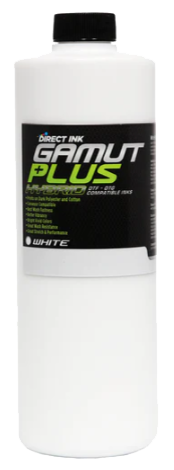 | GMTHW500M L |
| Cyan Gamut Plus Hybrid ink, 250ml | 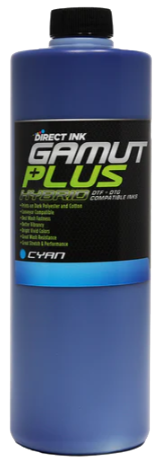 | GMTHC250ML |
| Magenta Gamut Plus Hybrid ink, 250ml | 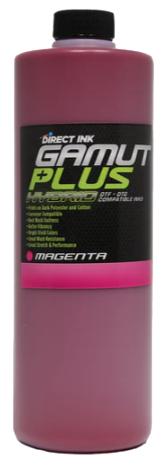 | GMTHM250ML |
| Yellow Gamut Plus Hybrid ink, 250ml |  | GMTHY250ML |
| Black Gamut Plus Hybrid ink, 250ml | 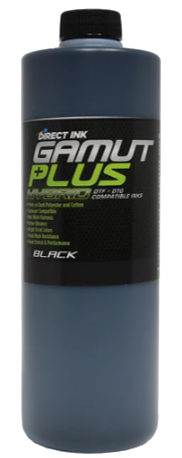 | GMTHB250ML |
| 500mL Super Cleaner | 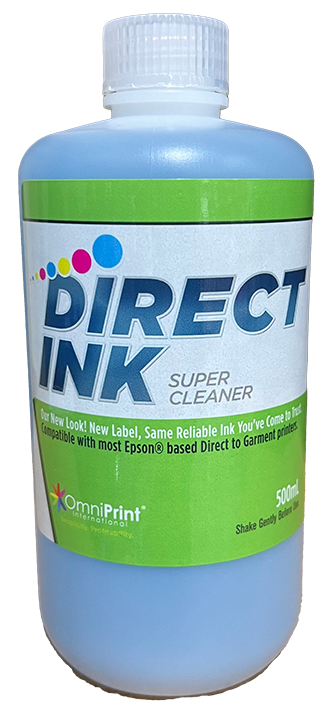 | FJSC500ML |
| 4 oz. Super Nozzle Cleaner | 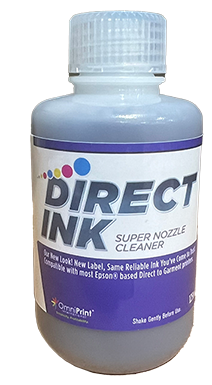 | FJSNC4 |
| Blue grease (7g) | 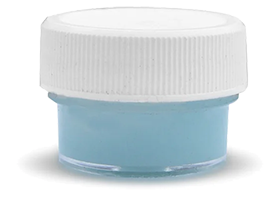 | FJG7G |
| Anti-static foam swabs (5) |  | P-MC1007 |
| Digital thermometer/hygrometer | 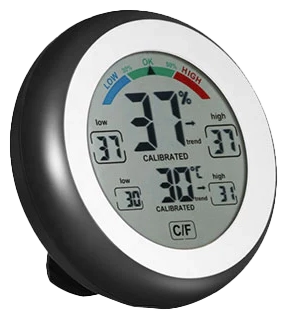 | THERMO |
| 100 meters of DTF film, cold peel | 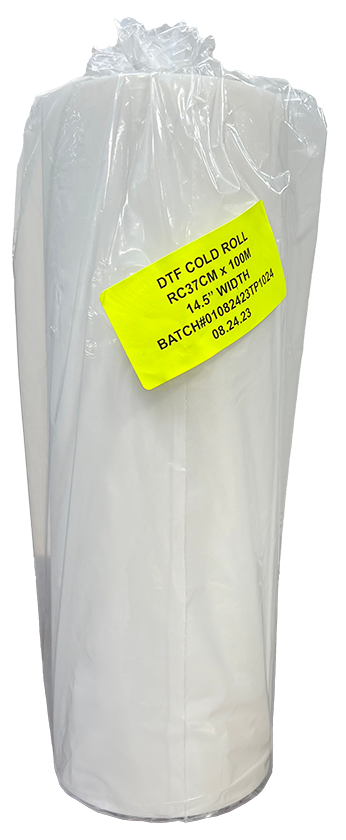 | DTF-CPRL100 |
| 1kg DTF Powder | 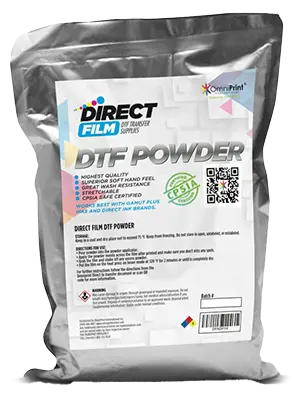 | DTF-PWD1KG |
| USB 4GB memory stick for Omni DTF UI software |  | |
| Print Pro DTF software & USB security key dongle for Omni DTF | 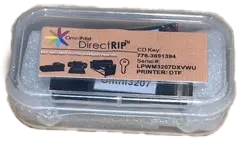 | |
| Damper (spare) | 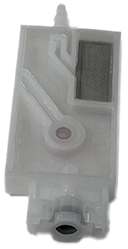 | P-DTF3020 |
| Squeeze bottle, 8 oz. (empty) |  | P-BT1021 |
| Syringe |  | P-MC1004 |
| USB Hub | 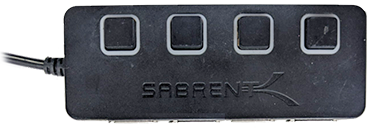 | USBHUB |
| Power cord (2, 1 ea. for printer & oven) | 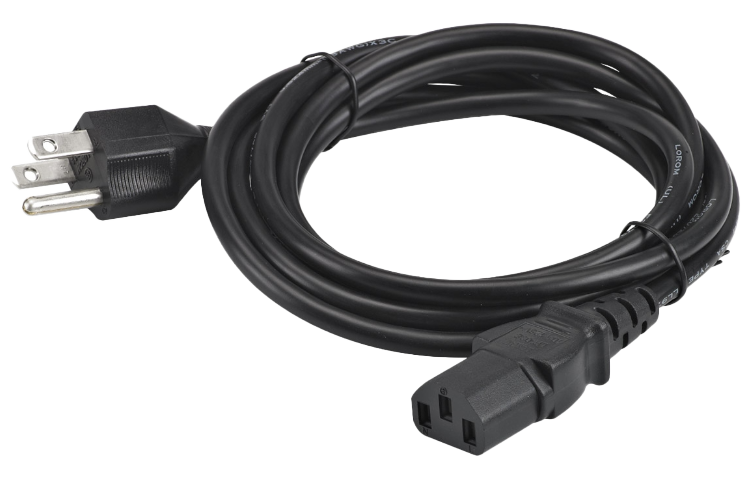 | P-DTF4106 |
| Ethernet Cable Male-to-Male |  | P-DTF4109 |
| USB-C to Ethernet adapter |  | P-DTF3026 |
| USB-C (F) to USB-A (M) adapter | 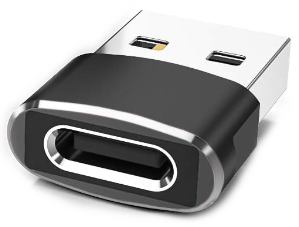 | P-DTF3024 |
| 8 in. Slip Joint Pliers |  | |
| #2 x 8″ Phillips screwdriver |  | |
| 5mm hex key wrench, L shaped | 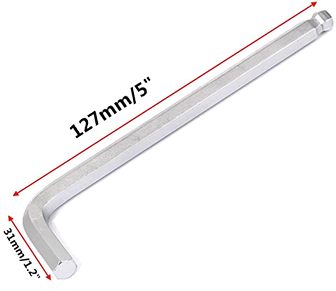 | |
| 4mm hex key wrench, L shaped | 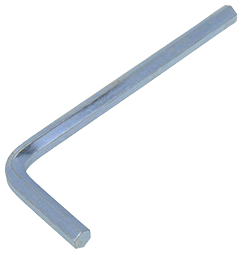 | |
| Washer for M6 screw (10) |  | |
| M6 flanged button screw (10) |  | |
| Cardboard core, 14.5″ (empty roll) |  | P-DTF2019 |
| Printer stand | 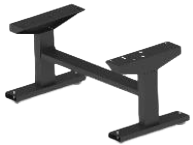 | |
| Oven stand (disassembled, see link below for assembly instructions). | 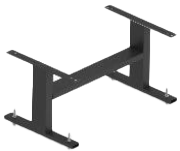 | |
| Bridge R4 | 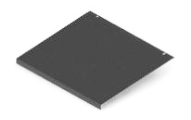 | |
| Union bridge R3 | 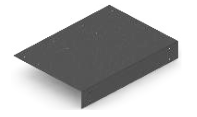 | |
| DTF Air Purifier | 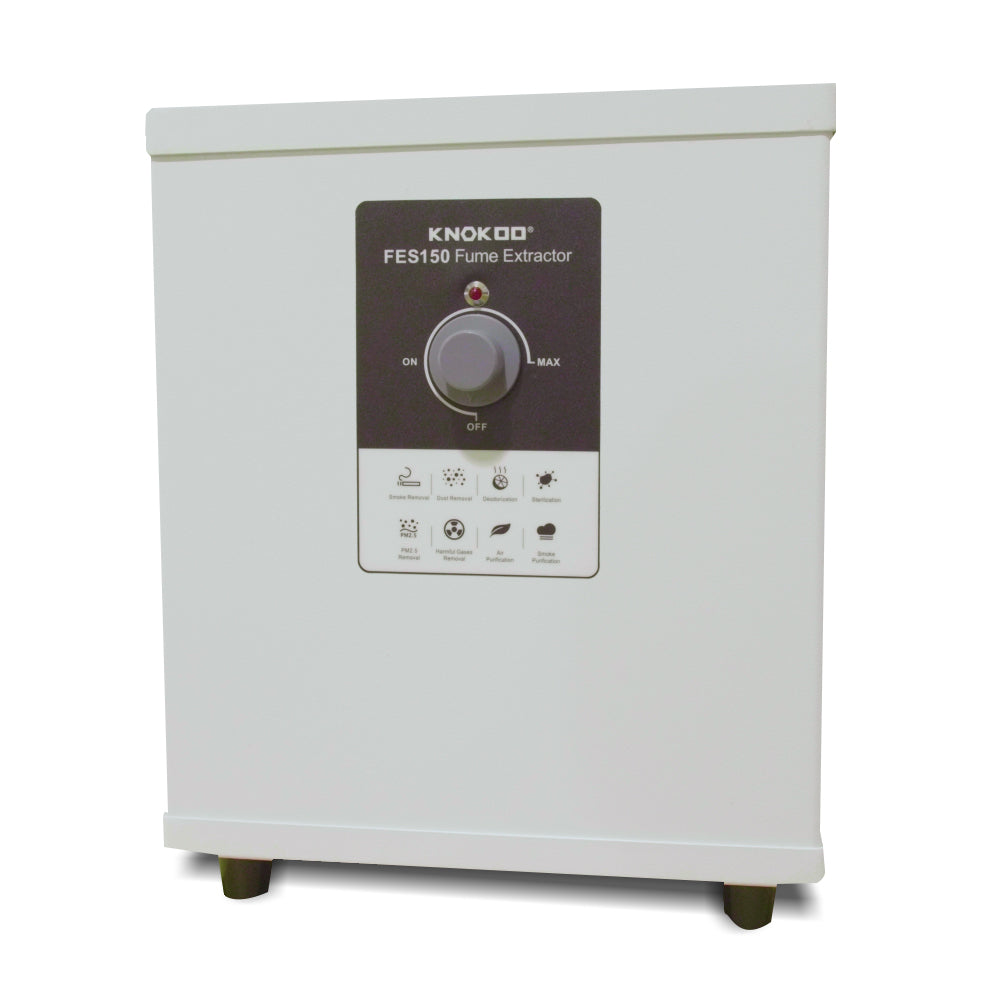 |
You can leave feedback about this article:
Views: 177
Not finding what you need?
You can contact our technical support team by sending an email to support@omniprintonline.com with your company name, contact name, phone number, printer serial number, and a quick description of how we can help you.
This will automatically open a support case for you in our ticketing system and a technical support rep will follow up with you shortly.